paths · 52.7 MB · unusable in any editor
Vectorize an image
Drop a PNG, JPEG or WebP. You get back an SVG with a few thousand clean, grouped paths — one you can open and edit.
Drop an image here
or click to choose one
PNG · JPEG · WebP · up to 2 megapixels · up to 25 MB
Ready to trace
- File
- —
- Size
- —
- Megapixels
- —
- Estimated time
- —
The estimate comes from measured runs and scales with megapixels. Queue time is on top of it.
Choose a plan to run it
Your image is uploaded and waiting. Pick a plan and it starts straight away — no key to copy, nothing to set up.
Loading plans…
One credit is one image. Credits reset each billing period and don't roll over. Payments and invoicing are handled by Lemon Squeezy, our merchant of record — tax is calculated at checkout, and you can cancel any time.
Create your account
One step before checkout, so you can sign in from any device later.
Already have an account? Sign in and your plan will attach to it.
Confirming your payment
Waiting for the payment to clear…
This usually takes a few seconds. Your image is still here — as soon as the subscription is active it starts on its own.
Taking longer than usual? Nothing is lost — the payment and your image are both safe. Leave this page open, or come back to crispsvg.com later and it will pick up on its own.
You're subscribed
Your image is already being traced. Set a password so you can sign in from any other device — this takes a second.
Skipping is fine — this browser stays signed in either way. You'd just need us to help if you ever clear your site data.
Working on it
Uploading…
Large files take a moment to upload.
You can close this tab. Come back to this address and the job picks up where it left off.
Done
- Paths
- —
- File size
- —
- Took
- —
That didn't work
Something went wrong on our side.
What this is
Auto-trace gives you 690,000 paths. Nobody can edit that.
CrispSVG traces your image into a few thousand clean paths — with real gradients, real circles and rectangles, and colours grouped the way you'd group them yourself. Open it in Illustrator, Figma or Inkscape and actually change something.
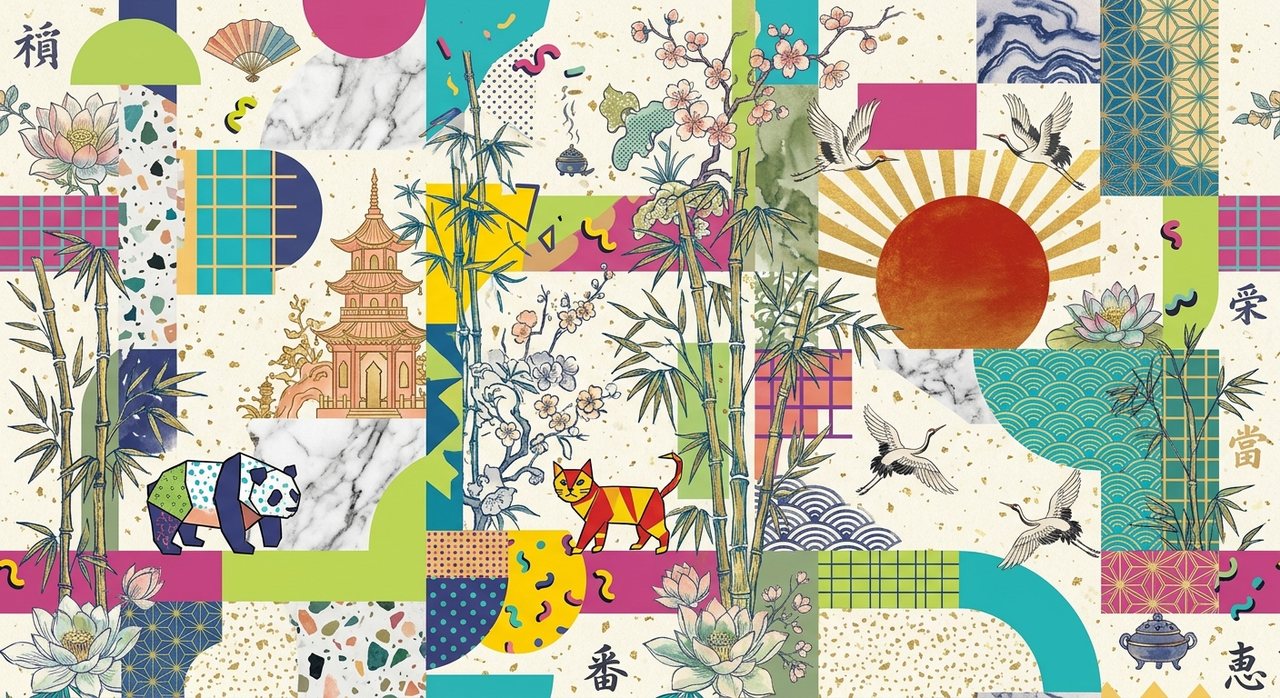
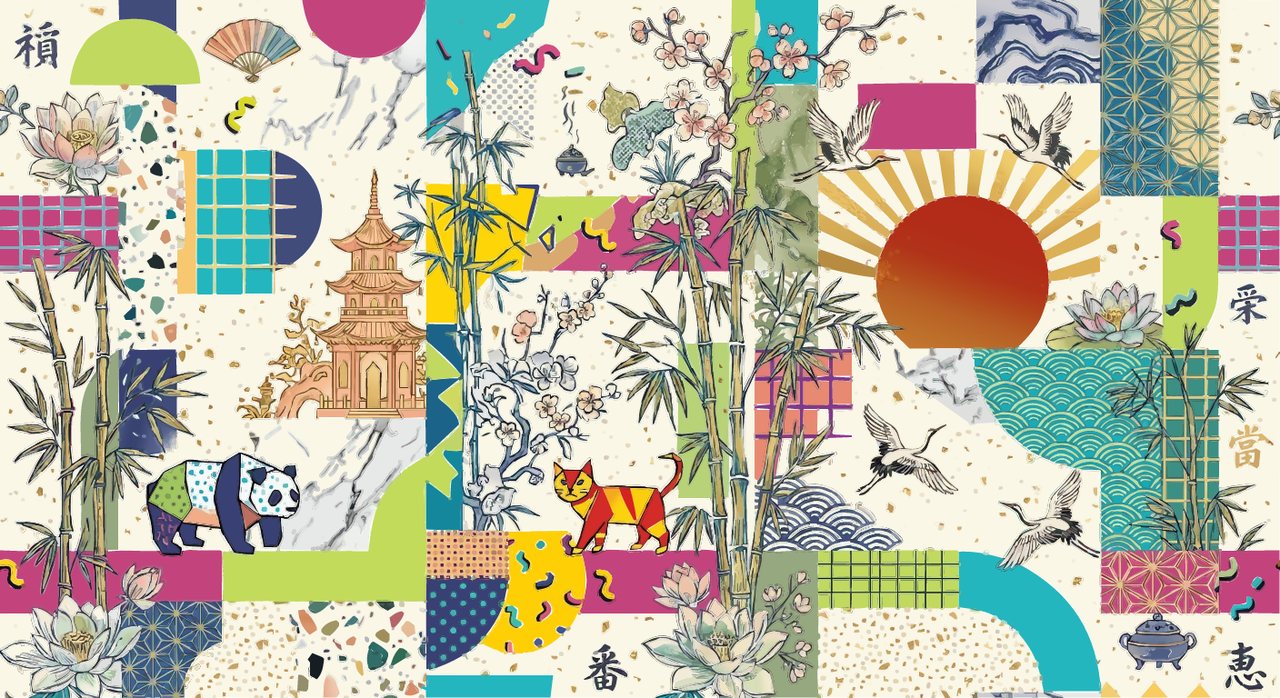
Drag to compare. Whole image, actual size — bamboo, ink cranes, marble veining, halftone dots and a gradient sun, all in one file.
The number that matters
Same image. Same fidelity. 35× fewer paths.
Conventional auto-tracing is faithful by brute force: it draws every speck of JPEG noise as its own shape. The result opens, renders, and is completely unusable — selecting one leaf means selecting four hundred slivers.
- Conventional auto-trace
- 690,564
- CrispSVG
- 19,506
- Real gradient fills
- 36
paths · 7.9 MB · grouped into named colour layers
true linearGradient and radialGradient, note stacks of flat bands
Measured on the same 1408×768 source image, rendered and compared pixel-for-pixel against the original.
Same settings, three kinds of image
It doesn't need tuning
These ran on the defaults — no per-image settings, no sliders to fiddle with. Ink line work, flat pastel geometry, photographs, watercolour texture and soft gradients all come out of the same pass.
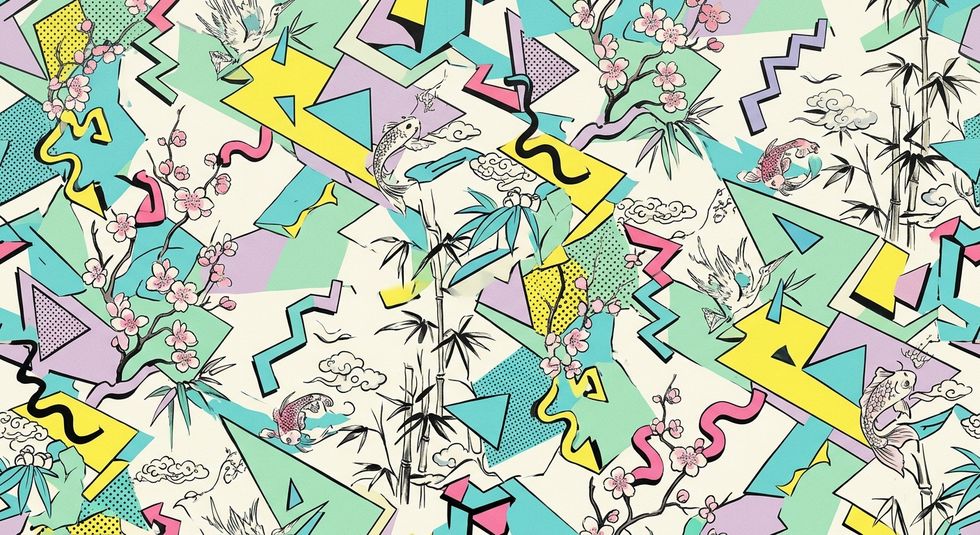
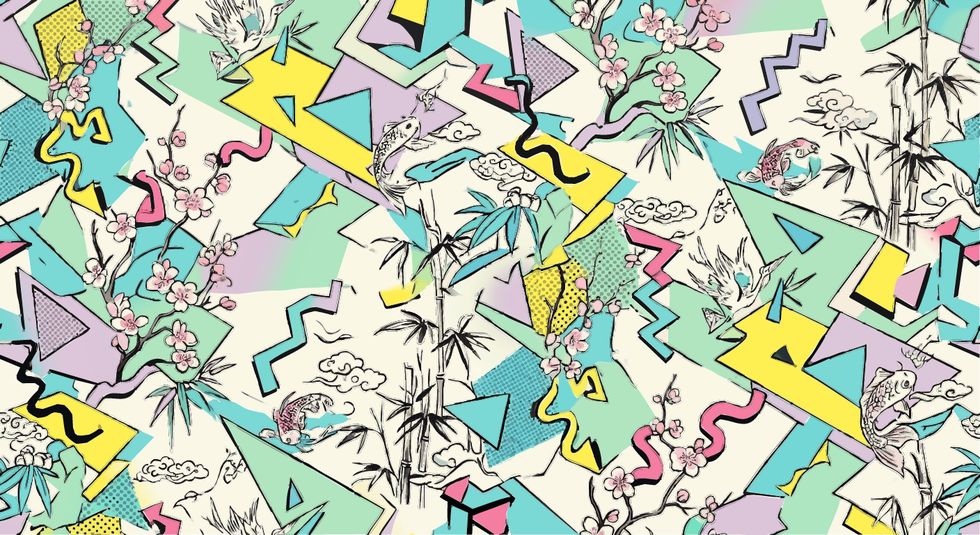
Ink line work over flat colour
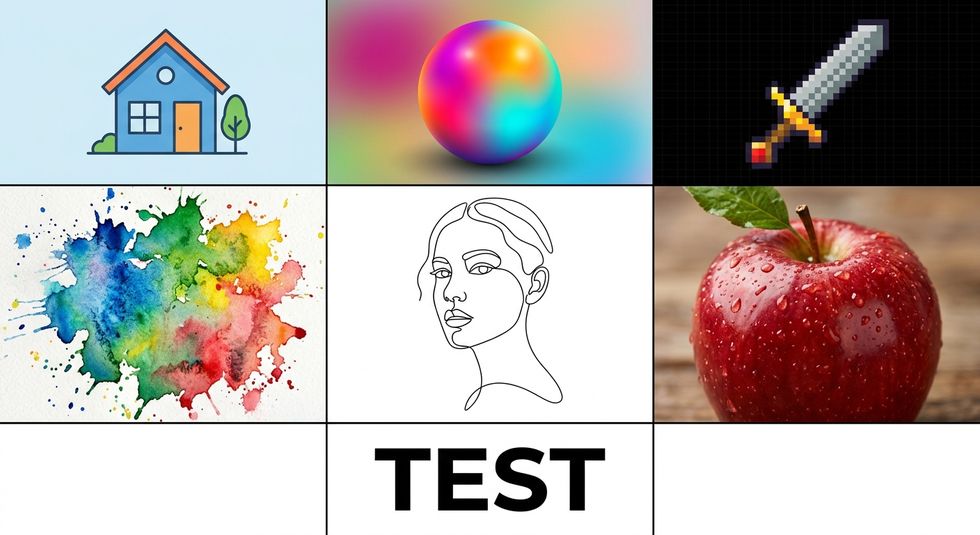
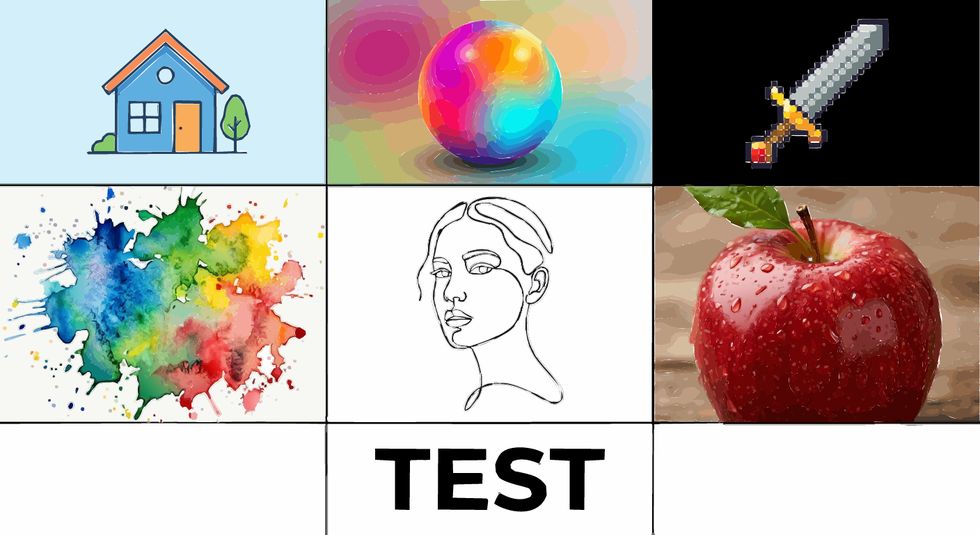
Seven content types, one pass
What comes out
An SVG built the way you'd build it
<circle> <rect>
Shapes stay shapes
A circle is written as a circle, not a 200-point polygon. Drag the handle and it's still a circle.
<radialGradient>
Gradients are gradients
Smooth blends are detected and written as real gradient fills with editable stops.
<g fill="#0B7A8C">
Colours are grouped
Every shape of the same colour sits in one group. Change the group, change the artwork.
Before you sign up
It takes minutes, not seconds
Most auto-tracers hand you a file in about two seconds. CrispSVG takes roughly two to four minutes for a one-megapixel image, because the slow part is the part you're here for: working out which regions are flat colour, which are gradients, which are texture, and drawing each one the right way.
If you need a result in two seconds, use something else — genuinely. If you need a file you can open and edit afterwards, that's the trade we made on purpose.